
Provided by: asciio_1.02.71-1.1_all 
NAME
       App::Asciio - Plain ASCII diagram

                                 |     |             |       |
                         |       |     |      |      |       |
                         |       |     |      |      |       |
                         v       |     v      |      v       |
                                 v            v              v
                        _____                           _____
                       /\  _  \                        /\  __ \
                       \ \ \_\ \    ___     ___   _   _\ \ \ \ \
               ----->   \ \  __ \  /  __\  / ___\/\ \/\ \ \ \ \ \  ----->
                         \ \ \ \ \/\__,  \/\ \___' \ \ \ \ \ \_\ \
                          \ \_\ \_\/\____/\ \____/\ \_\ \_\ \_____\
                           \/_/\/_/\/___/  \/___/  \/_/\/_/\/_____/

                         |             |             |     |
                         |     |       |     |       |     |      |
                         v     |       |     |       v     |      |
                               |       v     |             |      |
                               v             |             |      v
                                             v             v
               (\_/)
               (O.o) ASCII world domination is near!
               (> <)
SYNOPSIS
$> perl asciio.pl
DESCRIPTION
       This gtk2-perl application allows you to draw ASCII diagrams in a modern (but simple)
       graphical application. The ASCII graphs can be saved as ASCII or in a format that allows
       you to modify them later.

       Thanks to all the Perl-QA hackathon 2008 in Oslo for pushing me to do an early release.

       Special thanks go to the Muppet and the gtk-perl group, Gabor Szabo for his help and
       advices.

       Adam Kennedy coined the cool name.

       Sometimes a diagram is worth a lot of text in a source code file. It has always been
       painfull to do ASCII diagrams by hand.
DOCUMENTATION
   Asciio user interface
                   .-----------------------------------------------------------------.
                   |                             Asciio                              |
                   |-----------------------------------------------------------------|
                   | ............................................................... |
                   | ..............-------------..------------..--------------...... |
                   | .............| stencils  > || asciio   > || box          |..... |
                   | .............| Rulers    > || computer > || text         |..... |
                   | .............| File      > || people   > || wirl_arrow   |..... |
            grid---------->.......'-------------'| divers   > || axis         |..... |
                   | ............................'------------'| boxes      > |..... |
                   | ......................^...................| rulers     > |..... |
                   | ......................|...................'--------------'..... |
                   | ......................|........................................ |
                   | ......................|........................................ |
                   | ......................|........................................ |
                   | ......................|........................................ |
                   '-----------------------|-----------------------------------------'
                                           |
                                           |
                                     context menu

   context menu
       The context menu allows to access to asciio commands. ASCII is used to insert ASCII
       elements.

   keyboard shortcuts
       All the keyboad commands definitions can be found under asciio/setup/actions/. Among the
       commands implemented are:

       • select all

       • delete

       • undo

       • group/ungroup

       • open / save

       • local clipboard operations

       A window displaying the currently available commands is displayed if you press K.

   elements
       There but a few elements implemented at the moment.

       wirl arrow

       An arrow that tries to do what you want. Try rotating the end clockwise then counter
       clockwise to see how it acts

                      ^
                      |
                      |    --------.
                      |            |
                      '-------     |
                                   |
        O-------------X     /      |
                           /       |
                          /        |
                         /         v
                        /
                       /
                      v

       box and text

       Both are implemented within the same code. Try double clicking on a box to see what you
       can do with it.

                        .----------.
                        |  title   |
         .----------.   |----------|   ************
         |          |   | body 1   |   *          *
         '----------'   | body 2   |   ************
                        '----------'
                                                    anything in a box
                                        (\_/)               |
                edit_me                 (O.o)  <------------'
                                        (> <)

       your own stencils

       Take a look at setup/stencils/computer for a stencil example. Stencils lites in
       setup/setup.ini will be loaded when Asciio starts.

       your own element type

       For simple elemnts, put your design in a box. that should cover 90% of anyone's needs. You
       can look in lib/stripes for element implementation examples.

   exporting to ASCII
       You can export to a file in ASCII format but using the .txt extension.

       Exporting to the clipboard is done with ctl + e.
EXAMPLES
                  User code ^            ^ OS code
                             \          /
                              \        /
                               \      /
                  User code <----Mode----->OS code
                               /      \
                              /        \
                             /          \
                 User code  v            v OS code

                    .---.  .---. .---.  .---.    .---.  .---.
           OS API   '---'  '---' '---'  '---'    '---'  '---'
                      |      |     |      |        |      |
                      v      v     |      v        |      v
                    .------------. | .-----------. |  .-----.
                    | Filesystem | | | Scheduler | |  | MMU |
                    '------------' | '-----------' |  '-----'
                           |       |      |        |
                           v       |      |        v
                        .----.     |      |    .---------.
                        | IO |<----'      |    | Network |
                        '----'            |    '---------'
                           |              |         |
                           v              v         v
                    .---------------------------------------.
                    |                  HAL                  |
                    '---------------------------------------'

                        .---------.  .---------.
                        | State 1 |  | State 2 |
                        '---------'  '---------'
                           ^   \         ^  \
                          /     \       /    \
                         /       \     /      \
                        /         \   /        \
                       /           \ /          \
                      /             v            v
                   ******        ******        ******
                   * T1 *        * T2 *        * T3 *
                   ******        ******        ******
                      ^             ^             /
                       \             \           /
                        \             \         /
                         \             \       / stimuli
                          \             \     /
                           \             \   v
                            \         .---------.
                             '--------| State 3 |
                                      '---------'
DEPENDENCIES
gnome libraries, gtk, gtk-perl, perl
BUGS AND LIMITATIONS
       Undoubtedly many as I wrote this as a fun little project where I used no design nor
       'methodic' whatsoever.
AUTHOR
               Khemir Nadim ibn Hamouda
               CPAN ID: NKH
               mailto:nadim@khemir.net
LICENSE AND COPYRIGHT
       This program is free software; you can redistribute it and/or modify it under the same
       terms as Perl itself.
SUPPORTED OSes
   Gentoo
       I run gentoo, packages to install gtk-perl exist. Install Ascii with cpan.

   FreeBSD
       FreeBSD users can now install asciio either by package:

       $ pkg_add -r asciio

       or from source (out of the ports system) by:

       $ cd /usr/ports/graphics/asciio $ make install clean

       Thanks to Emanuel Haupt.

   Ubuntu and Debian
       Ports are on the way.

   Windows
       AsciiO is part of camelbox and can be found here: <http://code.google.com/p/camelbox/>.
       Install, run AsciiO from the 'bin' directory.

             .-------------------------------.
            /                               /|
           /     camelbox for win32        / |
          /                               /  |
         /                               /   |
        .-------------------------------.    |
        |  ______\\_,                   |    |
        | (_. _ o_ _/                   |    |
        |  '-' \_. /                    |    |
        |      /  /                     |    |
        |     /  /    .--.  .--.        |    |
        |    (  (    / '' \/ '' \   "   |    |
        |     \  \_.'            \   )  |    |
        |     ||               _  './   |    |
        |      |\   \     ___.'\  /     |    |
        |        '-./   .'    \ |/      |    |
        |           \| /       )|\      |    |
        |            |/       // \\     |    .
        |            |\    __//   \\__  |   /
        |           //\\  /__/  mrf\__| |  /
        |       .--_/  \_--.            | /
        |      /__/      \__\           |/
        '-------------------------------'

       camelbox is a great distribution for windows. I hope it will merge with X-berry series of
       Perl distributions.
Mac OsX
       This works too (and I have screenshots to prove it :). I don't own a mac and the mac user
       hasn't send me how to do it yet.
other unices
YMMV, install gtk-perl and AsciiO from cpan.
SEE ALSO
               http://www.jave.de
               http://search.cpan.org/~osfameron/Text-JavE-0.0.2/JavE.pm
               http://ditaa.sourceforge.net/
               http://www.codeproject.com/KB/macros/codeplotter.aspx
               http://search.cpan.org/~jpierce/Text-FIGlet-1.06/FIGlet.pm
               http://www.fossildraw.com/?gclid=CLanxZXxoJECFRYYEAodnBS8Dg (doesn't always respond)

               http://www.ascii-art.de (used some entries as base for the network stencil)
               http://c2.com/cgi/wiki?UmlAsciiArt
               http://www.textfiles.com/art/
               http://www2.b3ta.com/_bunny/texbunny.gif

            *\o_               _o/*
             /  *             *  \
            <\       *\o/*       />
                       )
                o/*   / >    *\o
                <\            />
        __o     */\          /\*     o__
        * />                        <\ *
         /\*    __o_       _o__     */\
               * /  *     *  \ *
                <\           />
                     *\o/*
        ejm97        __)__
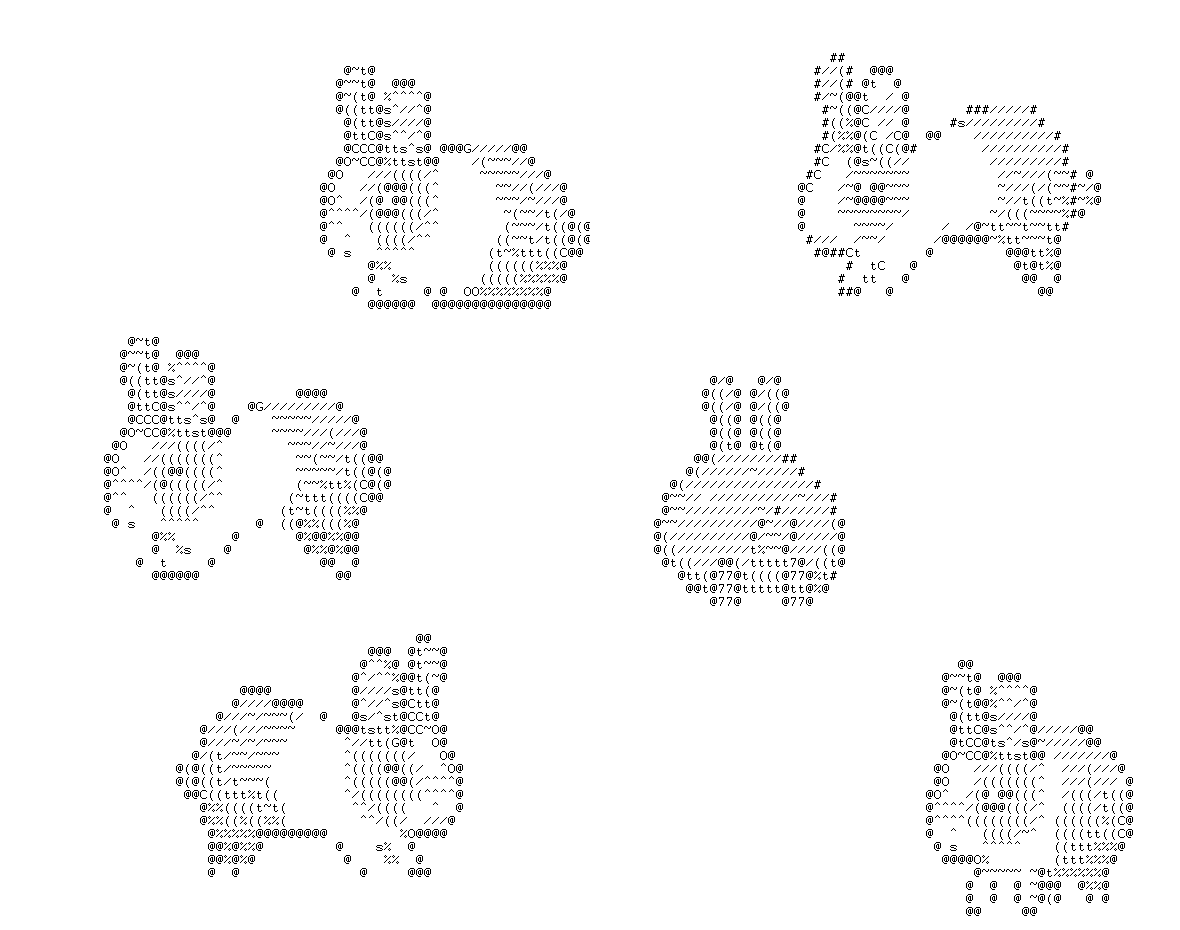
POD ERRORS
       Hey! The above document had some coding errors, which are explained below:

       Around line 75:
           Non-ASCII character seen before =encoding in 'Gabor'. Assuming ISO8859-1